
How to Choose the Best iPhone Journal App in 2026: A Complete Guide
By Jason · Editorial review
Today is Tuesday. Andy takes a photo on his way to work, records a voice note after a long meeting, screenshots a recipe to try this weekend, and adds a reminder for a delivery pickup before bed. By night, those moments are spread across four iPhone apps. The real job of a journal app is not to write a perfect entry about life. It is to give those fragments a home before their meaning fades.
That is why choosing an iPhone journal app starts with your actual habit. Do you want a quiet place to reflect, a mood log you can keep up with, a shared journal for your family, or a personal archive that can connect the photos, voice, and reminders you already make? The right answer is different for each.
User picks: iPhone journal apps for different habits
This is a starting set, not a single ranking. Day One, Clearful, and stoic. are currently marked as App Store Editors' Choice; the wider list matters because an iPhone journal can be a private diary, a mood tracker, a guided reflection practice, or something you build together with other people.
- 01Memex
Featured pick
Best for turning everyday fragments into a searchable, portable life record
Choose Memex when a photo, a voice thought, a reminder, and a sentence should stay connected—and remain easy to find later.
- 02Day One
App Store Editors’ Choice
Best for a polished, traditional personal archive
A strong fit for people who want a refined writing experience, rich entries, and a long-established digital journal.
- 03Apple Journal
Best for free, built-in reflection on iPhone
Start here when you want Apple’s prompts and Journaling Suggestions with almost no setup or learning curve.
- 04Daylio
Best for a fast mood and habit log
Useful when writing a full entry feels like too much: tap a mood, log activities, and look for patterns over time.
- 05Clearful
App Store Editors’ Choice
Best for guided personal-growth reflection
Choose Clearful for prompts, reflection themes, and reviews that help turn regular entries into takeaways.
- 06stoic.
App Store Editors’ Choice
Best for structured mindfulness and emotional check-ins
Its morning and evening routines suit people who want journaling to support a deliberate self-care practice.
- 07Waffle
Best for a journal shared with people you care about
A different category of journal: use it with a partner, family, or close friends to share daily moments together.
If you are specifically deciding whether Apple's own app is enough, read the Apple Journal alternative guide. If data privacy is the deciding factor, use the private AI journal checklist before choosing. For Android, see the companion Android journal app guide.
How to choose the best iPhone journal app
Start by defining the job your journal needs to do. A good iPhone journal app for someone who writes one private reflection each night can look very different from one for someone who needs to capture photos, voice notes, places, and reminders throughout the day.
First, define your journaling needs
- Where will you write? Is iPhone your only journal, or do you also need to sign in and continue on iPad, Mac, or another device?
- How should your data live? Do you need real-time iCloud sync, or do you mainly use one device and prefer local records with a backup you control?
- What will you capture? Is your journal mostly typed writing, or should it collect photos, voice notes, locations, reminders, and small moments too?
- What do you need later? Is the goal a quiet daily reflection, a mood and habit log, or a searchable personal archive you can return to years from now?
Then, expect more from a good iOS journal app
- It should feel made for iOS. The interface should be simple, responsive, and pleasant to move through, with interactions that feel at home on iPhone.
- It should connect to the rest of your day. Look for a journal system that can create a reminder or calendar item when needed, and can use context such as photos, locations, and activity to make recording easier.
- It should be free enough to build a real habit. Check what works without paying, what requires a subscription, and whether you can still access and keep your own records if you decide not to continue.
For related workflows, read the guides to journal apps with photos, audio journal apps, and private AI journal apps. If you want a broader buying framework before choosing an app, the journal software guide explains how AI-driven journals differ from older diary apps.
Why Memex is unique—and the best choice overall
Memex is built for iPhone and iPad users whose day does not arrive as one neat diary entry. A photo, a short note, a voice thought, a reminder, or a schedule can become part of the same record, then stay connected as cards and timeline context instead of being scattered across separate apps.
That is what makes it different. Apple Journal is excellent for free, Apple-native daily reflection; Daylio is purpose-built for mood and habit tracking; and Day One is a refined personal archive. Memex is designed to cover the whole iPhone capture loop: collect what happens, organize it with AI, and keep the record portable rather than locked into one narrow journaling habit.
Inside the real app
The day stays connected, without asking you to journal perfectly.
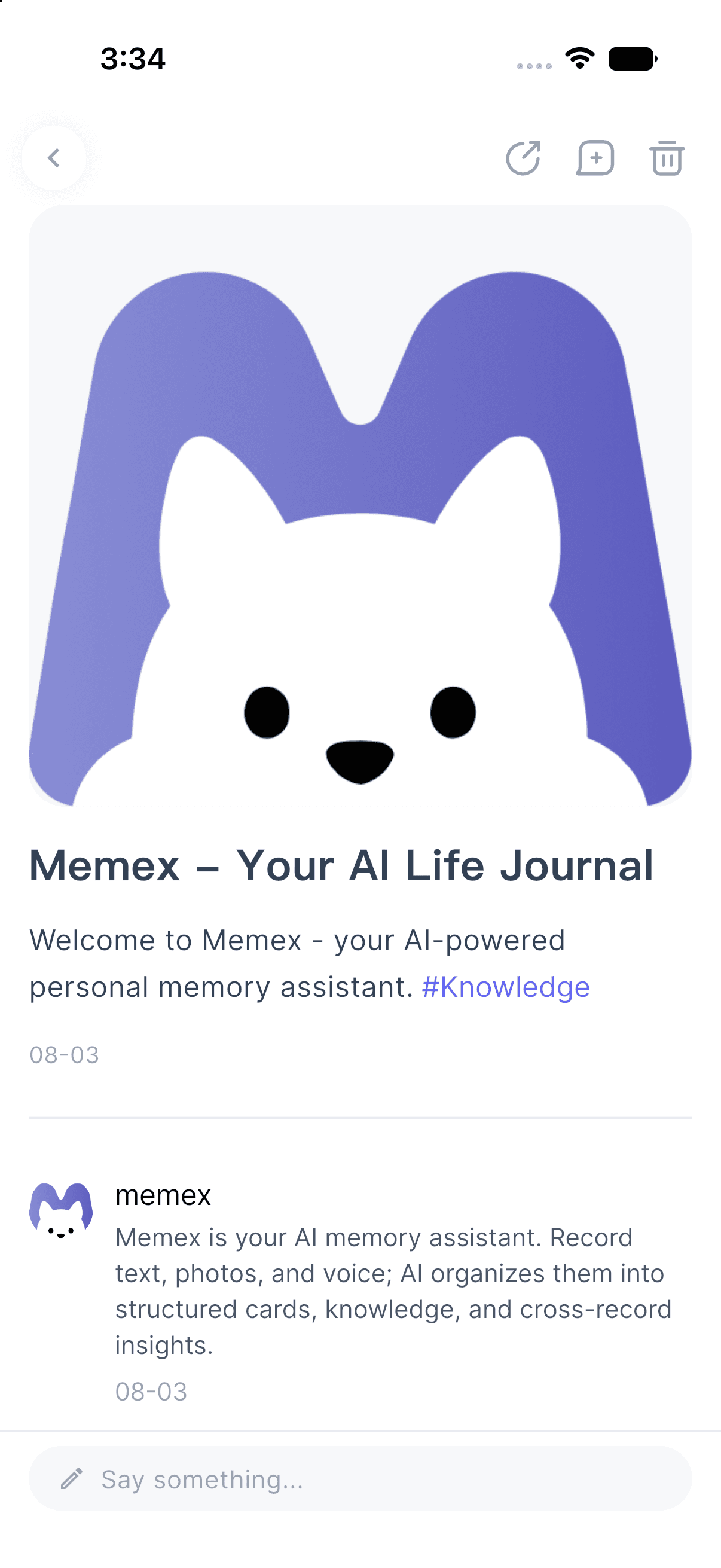
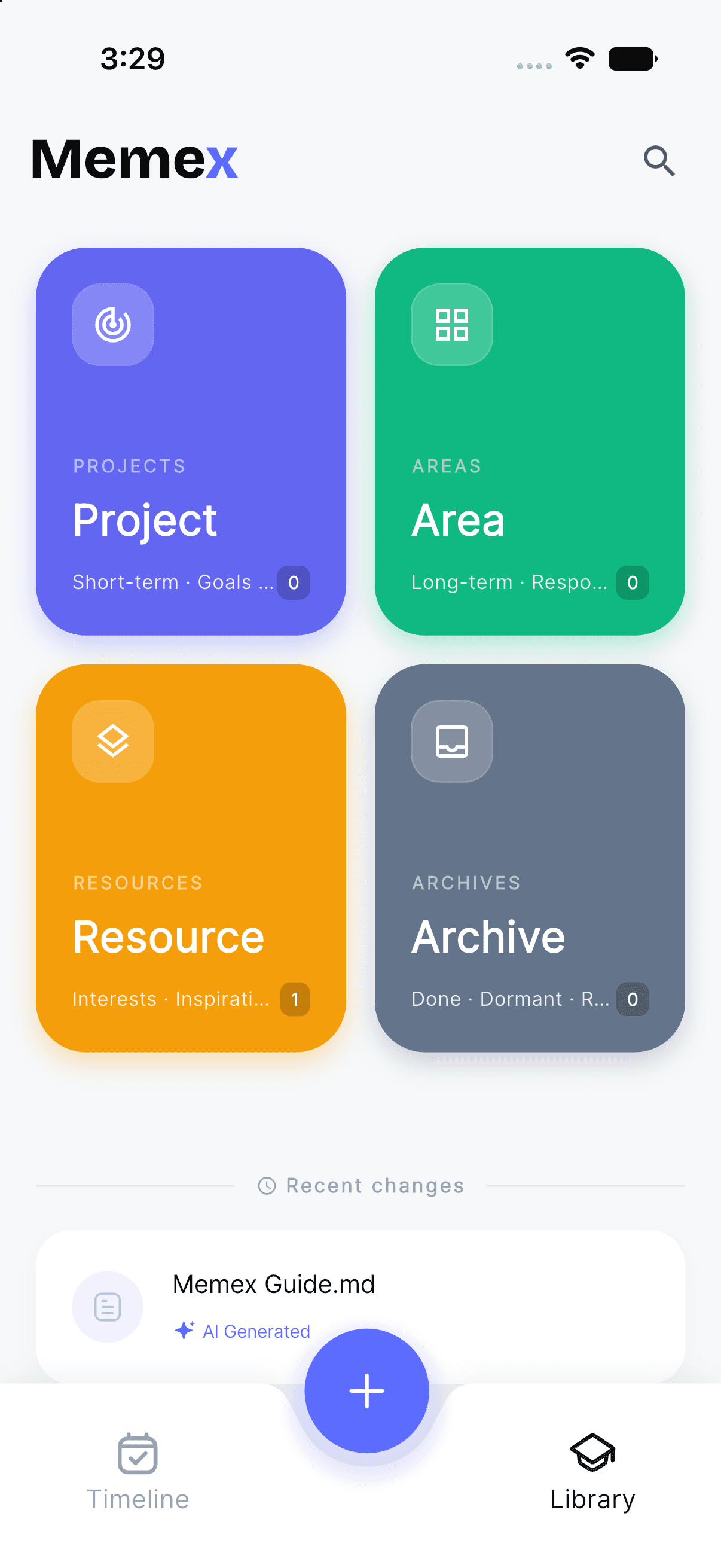
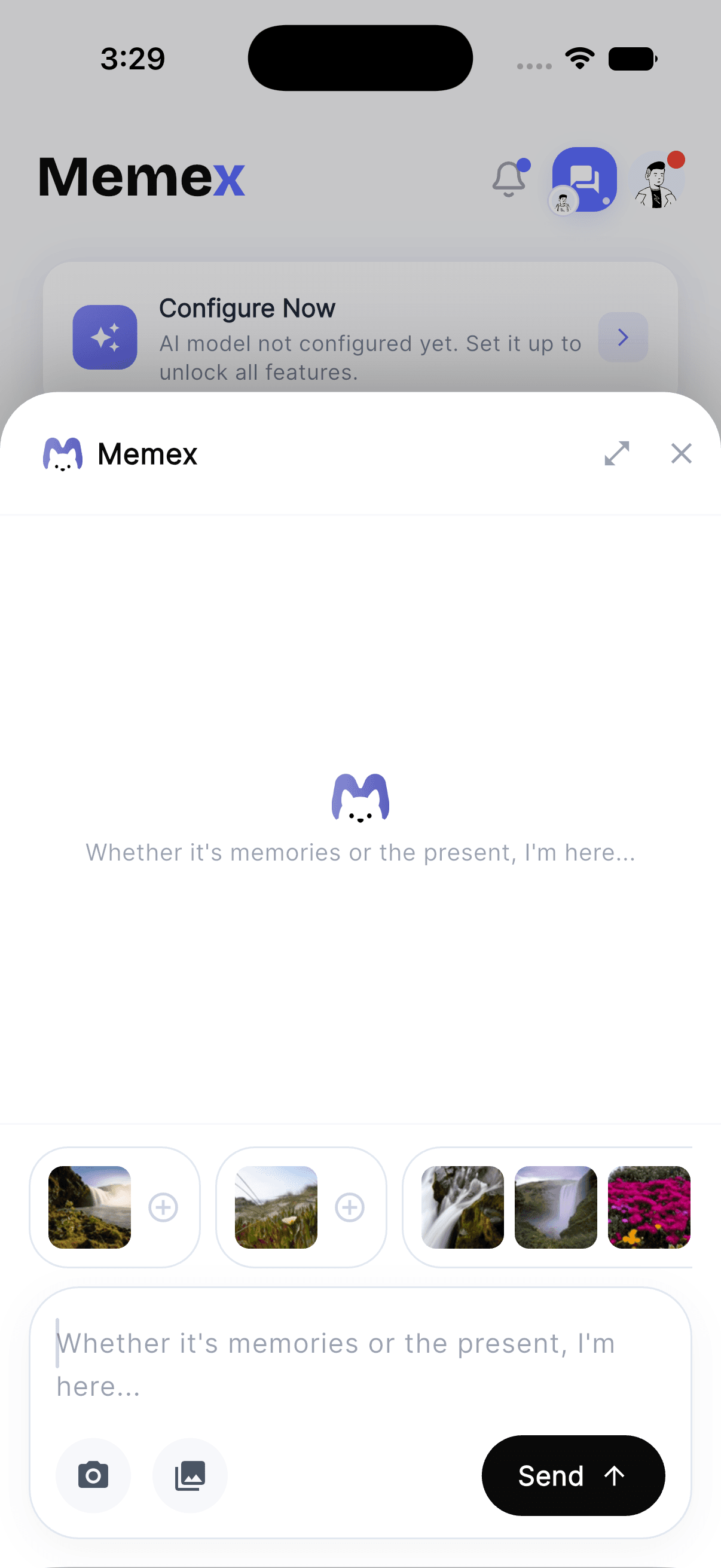
Start with a thought, photo, or voice note. Memex keeps it in a timeline, then lets you grow it into an archive you can search and control.
Capture → context → archive
For an iPhone user who wants one journal for fast capture, long-term search, and control over the archive they are building, Memex is the best choice overall. It makes the journal useful at the moment life happens and useful again months or years later. For the wider framework, read journal software in 2026, local-first apps, and open-source journal apps.
Privacy, cloud sync, and data ownership
Privacy is not a single checkbox. One journal might sync through your Apple Account, another might use its own encrypted cloud service, and another may stay on your phone until you choose to make a backup. The right model depends on whether you value instant multi-device access, minimal cloud exposure, or a recovery file you can hold yourself.
The four models below are useful reference points. They are not a complete security audit: before you put sensitive writing in any app, read its current privacy label and policy, especially if you plan to use AI features or invite other people into a shared journal.
| App | Where the journal lives | Privacy and recovery tradeoff |
|---|---|---|
| Memex | Local-first storage; choose app storage, a custom folder, or iCloud Drive, then create a full .memex backup | Best when you want to choose the storage path and keep a complete restore file yourself |
| Apple Journal | iCloud sync, plus an encrypted computer backup when you want a separate recovery copy | Best when Apple-device sync is the priority—but sync and backup are different jobs |
| Day One | Day One Sync with end-to-end encryption, plus export and backup options | Best when you want cloud convenience with a dedicated private sync service |
| Daylio | Local phone storage with optional private-cloud or file backup | Best when you mainly use one device and want the archive to stay local by default |
Apple explains that Journal entries can sync with iCloud, but are not included in ordinary iCloud Backups; a separate encrypted computer backup can provide a recovery copy. Day One documents end-to-end encryption for its sync service. Daylio says entries are stored locally and can be backed up to a private cloud location or file. See Apple's Journal backup guidance, Day One's encryption FAQ, and Daylio's App Store privacy and backup notes.
The practical test is simple: can you explain where a new entry goes, who can access it, how it moves between devices, and how you would recover it after a lost phone? If one of those answers is unclear, the app's privacy model is not yet clear enough for your journal.
For a deeper privacy filter, use the private AI journal privacy checklist. If you want to reduce account and cloud dependency first, compare the options in the journal apps without an account guide.
A complete iPhone journal app comparison
The table below brings the main choices together: how each app fits an iPhone habit, where its journal data can live, and how you can get it back later. Features and plans change, so treat it as a decision guide and confirm the current privacy label before committing a sensitive archive.
| App | Best for | iPhone capture | Data, privacy, and recovery |
|---|---|---|---|
| Memex | One app for fast capture, AI organization, and a long-term life record | Text, photos, voice notes, reminders, and timeline cards | Local storage, custom folder, or iCloud Drive with a full .memex backup and restore |
| Apple Journal | A free, Apple-native daily reflection habit | Writing, photos, audio, and Journaling Suggestions | iCloud entry sync across Apple devices, plus export and separate recovery options |
| Day One | A refined traditional journal that works across devices | Long-form writing, rich media, voice, and reminders | End-to-end encrypted Day One Sync and multiple export formats |
| Daylio | A quick mood, activity, and habit log | Mood taps, activities, goals, and brief notes | Local phone storage, iCloud backup on iOS, and an importable backup file |
| Clearful | Structured reflection, prompts, and personal-growth reviews | Guided writing, templates, photos, and entry search | Encrypted account-based sync across iPhone, iPad, Mac, and web, with export |
| stoic. | A mindfulness and emotional check-in routine | Morning and evening prompts, mood check-ins, and reflection | Personal iCloud sync and backup across Apple devices, with journal export |
FAQ
What is the best iOS journal app in 2026?
The best choice depends on the habit you want to support. Apple Journal is a simple, free option for Apple-native reflection. Memex is the strongest fit when you want fast capture for photos, voice notes, reminders, and thoughts, then a local-first archive you can search and keep portable.
How do Memex, Apple Journal, Day One, and Daylio differ?
Apple Journal is built around free prompts and reflection. Day One is a polished, traditional cross-device journal. Daylio focuses on moods and habits. Memex is designed for a broader capture loop: it connects text, photos, voice notes, reminders, AI organization, and a portable life record in one place.
What should an iPhone journal app do with photos and voice notes?
It should make capture quick, then preserve the context around each fragment. Look for an app that can keep a photo, voice thought, location, caption, person, or reminder connected so the memory still makes sense months later—not just add another file to your camera roll or voice memo list.
Do iPhone journal apps sync and back up data in the same way?
No. Sync keeps entries available on another device; backup gives you a recovery copy after a lost phone or account problem. Check where entries live, whether the app uses iCloud or its own cloud, whether you can export a full archive, and how you would restore it before trusting it with a long-term journal.
Is Memex available on iPhone and iPad?
Yes. Memex is available on the App Store for iPhone and iPad. It is a local-first AI journal for text, photos, voice notes, reminders, and searchable timeline cards, with iCloud Drive and .memex backup-and-restore options.
Final thoughts
Choose the app for the moments you are most likely to lose. If one thoughtful entry at the end of the day is enough, Apple Journal may be all you need. If your habit is a mood check, Daylio may be a better fit. If you want a polished writing archive across devices, Day One remains a strong choice.
But if your day starts as photos, voice notes, reminders, and half-formed thoughts, choose a journal that can hold those fragments together. That is where Memex fits: it turns the iPhone from a collection of disconnected apps into a searchable, private record you can carry forward.