
Best Journal App With Photos: Turn Your Camera Roll Into a Timeline
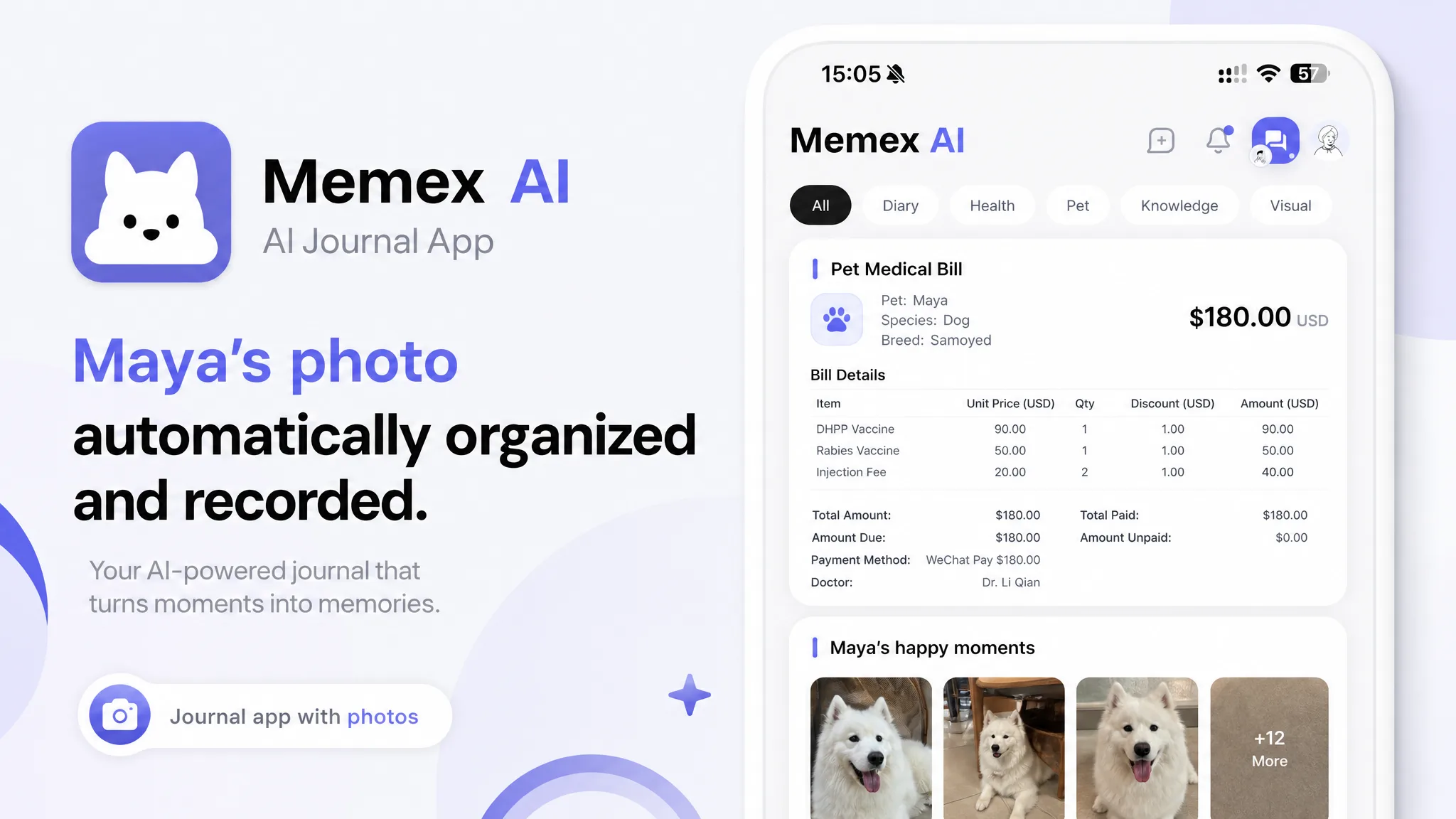
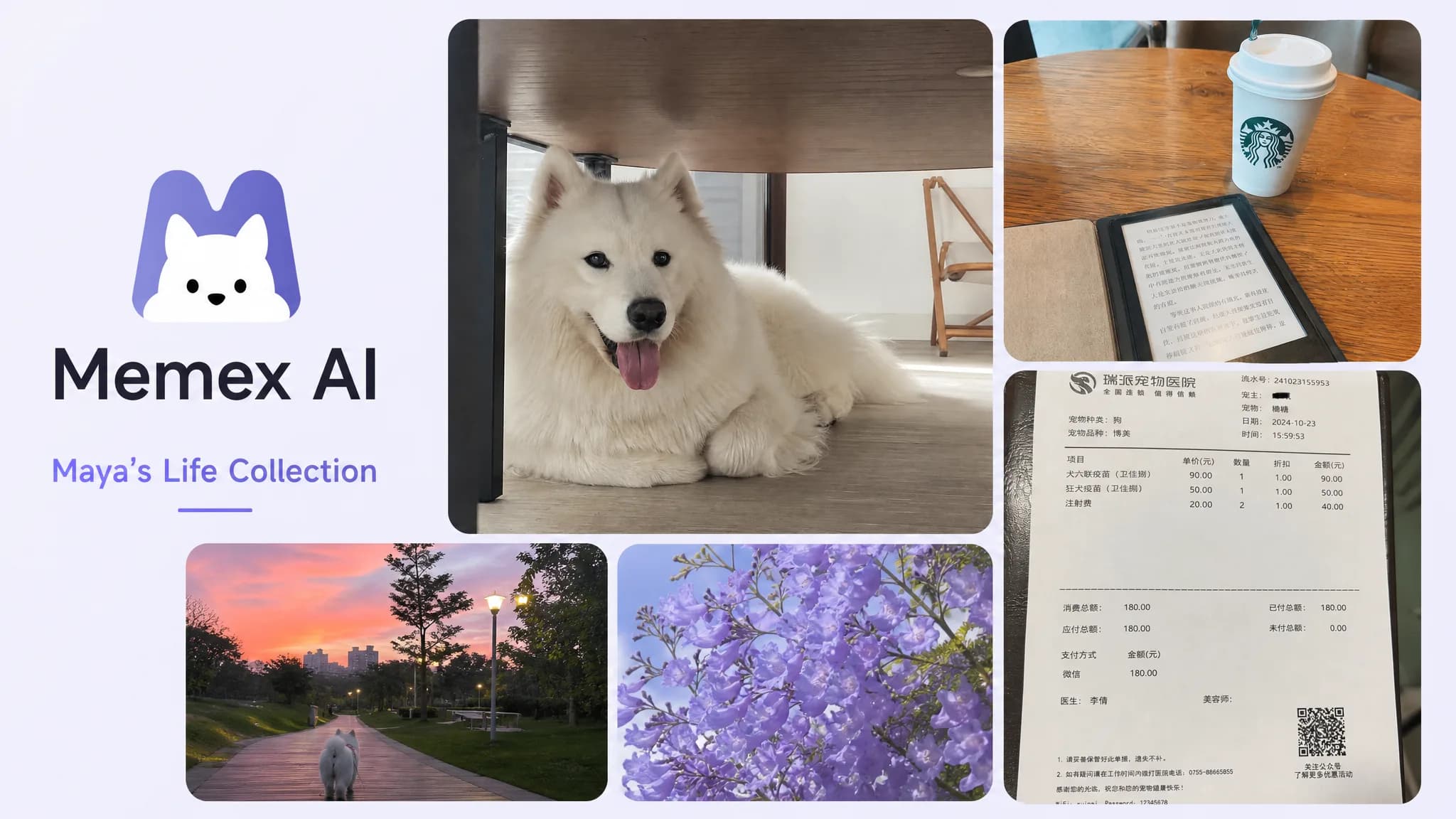
Maya did not think she was starting a journal. She just took photos: a coffee cup beside a half-finished notebook, a clinic receipt, the dog asleep under her desk, and a blurry shelf because she wanted to remember which oat milk did not taste like cardboard.
By Friday, her camera roll had the shape of a life, but none of the memory. The photos were there. The meaning was not. That is why people search for a journal app with photos: they want visual fragments to become records they can search, understand, and revisit.
Journal app with photos, in plain English
A journal app with photos is a journal that treats pictures as real records, not just gallery items. The best versions let you capture a photo quickly, add context only when it helps, and later search the image as part of a timeline, memory thread, or life record. If the app also handles voice and text, the photo becomes the anchor for a richer memory system instead of a loose attachment.
Quick answer
A good photo journal app should turn everyday pictures into searchable timeline records. It should capture photos quickly, let you add a sentence or voice note, use AI to describe or organize the image, and protect the private record locally whenever possible.
Try the photo journal workflow
Download Memex and start a journal with photos
Capture photos, text, and voice in one local-first AI journal, then turn daily fragments into searchable timeline records.
The user journey: one week of photo journaling
Let’s follow Maya for one ordinary week. No perfect morning routine, no blank-page ritual. Just photos becoming a memory system.
Monday
A picture replaces the blank page
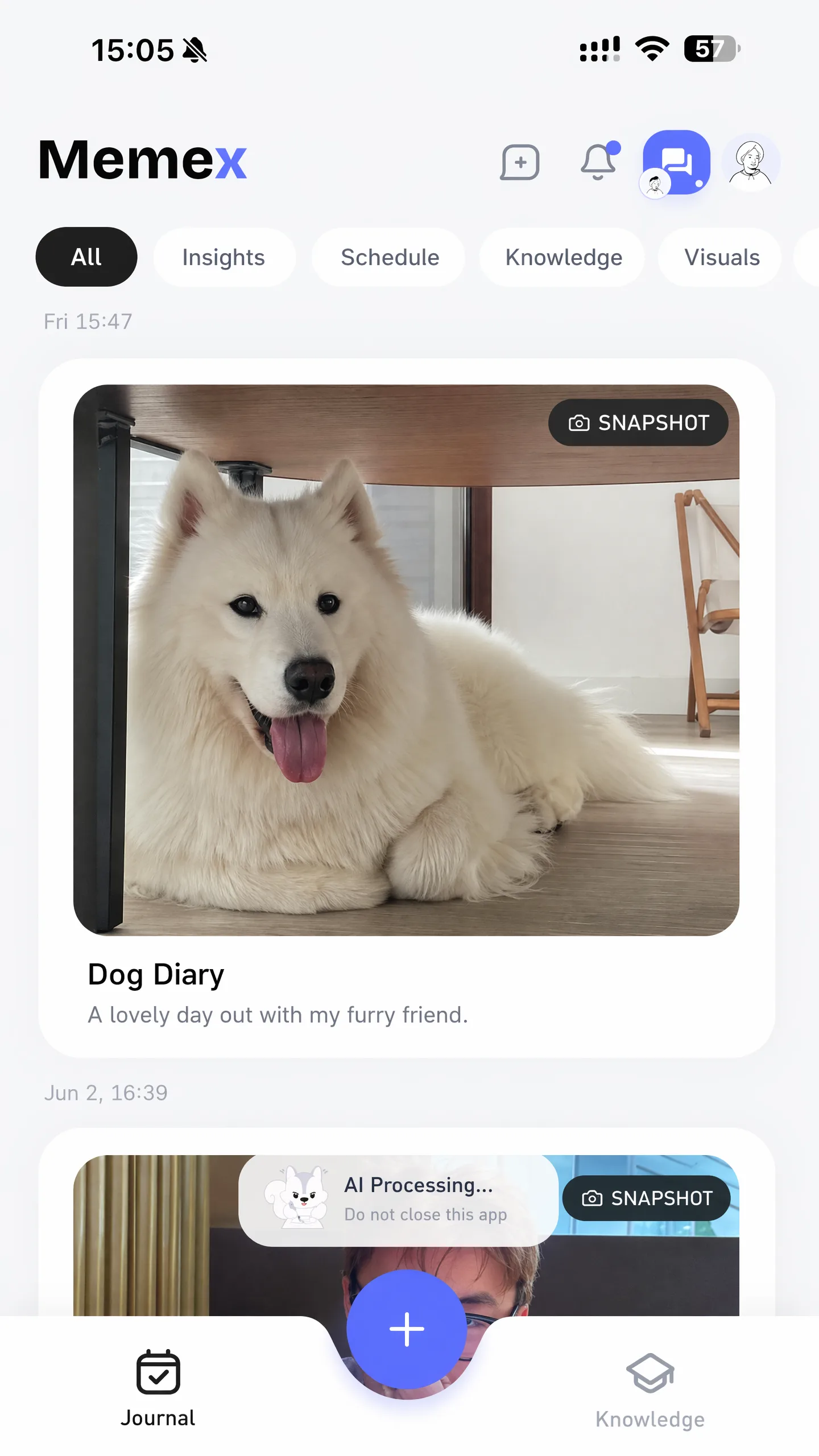
Maya takes a photo of her desk at 9:12 p.m. There is a cup, a cable, three tabs open, and a sticky note that says “call mom.” In a normal diary app, she would need to write a paragraph. In a diary app with photos, the photo itself is the entry.
The record starts before the writing. A photo is enough to say: this happened, and I may care later.
Tuesday
A caption turns the image into memory
She adds one sentence: “Felt scattered, but finally finished the pitch.” Now the desk is connected to stress, completion, and a work milestone.
This is where a photo diary app beats the camera roll. The picture keeps visual evidence. The caption keeps meaning.
Wednesday
AI describes what the photo contains
Maya photographs a whiteboard after a meeting. An AI photo journal app can identify visible text, summarize what the image appears to show, and file it with other work records.
AI photo analysis turns “IMG_4821” into something searchable: roadmap meeting, Q3 launch, pricing question, Sarah’s objection.
Thursday
The photo connects to voice and text
She takes a picture of dinner with an old friend. On the walk home, she records a 40-second voice note. The photo shows the scene. The voice note keeps the emotional texture.
Photos, notes, and voice belong in one timeline. If voice is part of your flow, our audio journal app tutorial shows how to turn voice notes into searchable records too.
Friday
Search turns the week into a life record
Maya searches for “pitch stress” and finds Monday’s desk photo, Tuesday’s caption, and Wednesday’s whiteboard. The app is not just showing photos. It is showing a thread.
That is the difference between a gallery and a searchable life record. A gallery stores media. A life record lets meaning accumulate.
What a journal app with photos needs to do well
If you are evaluating a photo journal app, start with the capture loop. The app has to fit the moment when the memory is still fresh.
- Fast photo capture: adding a picture should feel as quick as opening the camera.
- Optional context: a caption, voice note, or short text field should be available, but not required.
- Search by meaning: you should find “passport appointment” or “first day of school” without remembering the date.
- Timeline organization: photos should sit next to text and voice from the same period.
- Private storage: personal photos should not need to live on someone else’s server just to be organized.
Photo diary app vs camera roll
Your camera roll is already an accidental journal: timestamps, places, faces, meals, receipts, screenshots, pets, friends, and the weird little evidence of being alive. But it is optimized for storage, not reflection.
A photo diary app adds intention. You choose which photos are records, add the sentence that explains why it mattered, and let AI help describe the image without replacing the human signal.
Where AI photo analysis helps
AI is useful when the photo contains more information than you want to type: receipts, whiteboards, book pages, travel snapshots, screenshots, plant progress, or a messy table that captures the mood of a week.
An AI photo diary can help by:
- describing visible objects, places, and activities;
- extracting text from screenshots, receipts, and notes;
- suggesting tags without making you maintain a taxonomy;
- connecting a photo to nearby text and voice entries;
- turning repeated photos into patterns, not clutter.
Privacy matters more for photos than for polished entries
Photos leak context. A single image may include your room, your kid’s face, a clinic name, a boarding pass, a medication bottle, or a private message.
A private AI journal app should be clear about where images are stored, what gets sent to a model, and what works offline. A local-first approach matters because the safest default for personal photos is to keep the primary record on your own device.
If you often capture away from stable internet, the offline journal app question matters too: can you save the photo now and organize it later?
A practical workflow you can copy
If you want to start a photo journal without turning it into another chore, try this for seven days:
- Take one photo per day that represents something you might forget: a place, object, meal, person, receipt, view, or work artifact.
- Add one sentence only if it helps. Do not write an essay unless you want to.
- If the memory is emotional or complicated, add a voice note instead of typing. Voice journaling often captures what a caption cannot.
- At the end of the week, search for one theme: stress, travel, family, work, health, or joy.
- Notice whether the photos formed a timeline you would not have written manually.
How Memex fits this journey
Memex is built for people who already record life in fragments. Some fragments are text. Some are voice. Many are photos. Instead of asking you to become a perfect daily writer, Memex lets you capture what happened and uses AI agents to organize records into timeline cards, knowledge, and insights.
That makes it closer to a memory journal app with photos than a blank diary. You can save visual moments, add context when it is useful, and search across the record later. If most of those records start on your phone, compare the journal app Android guide too. The product is open source, so you can inspect the Memex GitHub repository.
If you are comparing broader tools first, the free online journal guide explains why many people need more than a blank online diary: photos, voice, privacy, and search all become part of the decision.
Source and community
Inspect the open-source app, follow releases, or join Discord to share how you use photos for journaling.
FAQ
What is a journal app with photos?
A journal app with photos lets you save pictures as journal entries, not just gallery items. The best versions let you add context, search later, and combine photos with text, voice notes, location, and AI-generated summaries.
Is a photo journal app different from a photo diary app?
People use the terms interchangeably. A photo diary app usually implies daily personal records, while a photo journal app can be broader: memories, trips, projects, habits, and life events.
Can AI help organize a photo journal?
Yes. AI can describe what is in a photo, extract visible text, suggest tags, connect related records, and turn a loose photo capture into a searchable timeline card.
What should I look for in a private photo journal app?
Look for local-first storage, clear AI routing, exportable files, offline capture, and no forced account. Photos can contain faces, locations, documents, and private spaces, so privacy should be architectural.